How Does Wi-Fi Work? Radio Waves, Routers and Why Walls Slow It Down
Wi-Fi sends data through the air as radio waves. How routers encode information, what 2.4, 5 and 6 GHz mean, and why your signal drops in some rooms.
Short answer
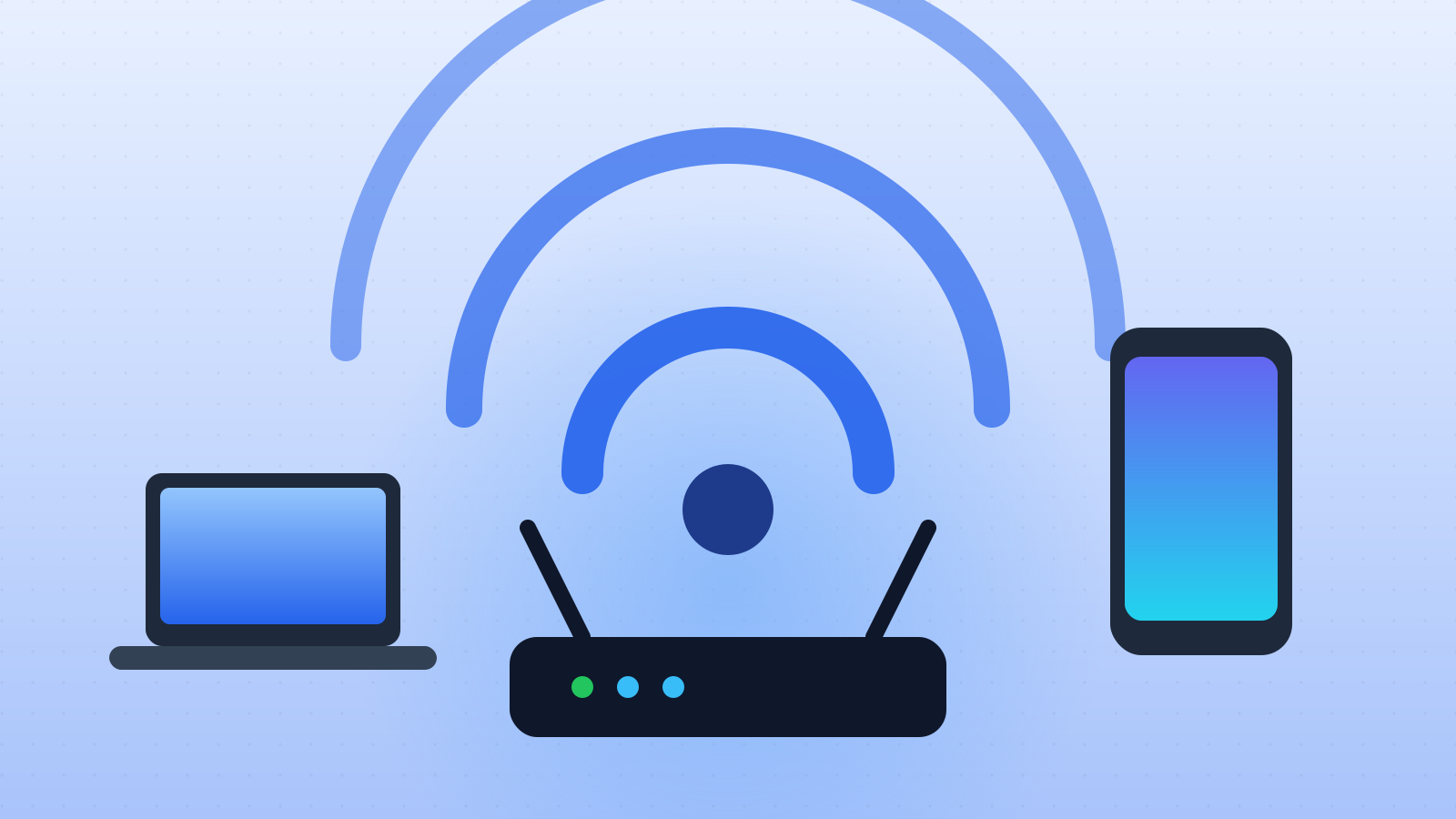
Wi-Fi is a way of sending data through the air using radio waves. A router receives data from the internet through a cable and converts it into radio signals, usually at frequencies of 2.4, 5 or 6 gigahertz. The antenna in your phone or laptop picks up those signals and turns them back into data, and it replies to the router the same way. Information is carried by rapidly changing the wave’s strength and timing, packing many bits into each tiny slice of time. Higher frequencies carry more data but are weakened more by walls, which is why Wi-Fi can be fast in one room and slow in another.
In this article (6)
It is invisible, silent and everywhere. In homes, cafés, trains and airports, billions of devices are connected without a single wire. But what is actually passing through the air between your router and your phone?
Radio, but for data
Wi-Fi is a form of radio. Like FM radio or mobile phones, it uses electromagnetic waves that travel at the speed of light and pass through air, and to some extent through walls. The difference is that instead of music or voice, Wi-Fi carries digital data: the ones and zeros that make up web pages, messages and videos.
The rules for how Wi-Fi devices talk to each other are set by an engineering standard called IEEE 802.11, first published in 1997. The Wi-Fi Alliance, an industry group, tests and certifies devices so that a phone from one company works with a router from another. Newer versions have friendlier names such as Wi-Fi 6 and Wi-Fi 7.
The journey of a web page
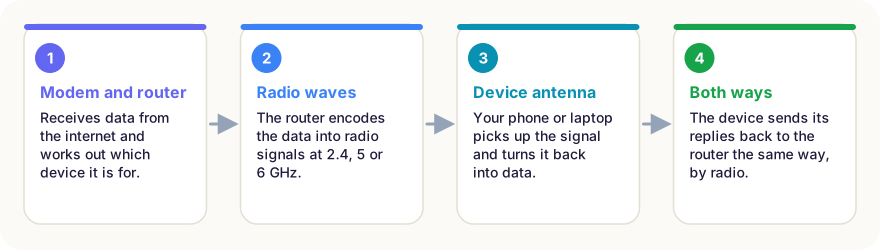
When you open a website, the data arrives at your home through a cable, fibre line or mobile connection, into a modem. The router, often in the same box, works out which device the data is for and turns it into radio signals. The antenna in your phone picks them up, decodes them and passes the data to your browser. When your phone replies, for example to request the next page, the process runs in reverse.
How a wave carries information
A radio wave on its own carries no message. To send data, the transmitter changes the wave, a process called modulation. Wi-Fi changes both the strength of the wave and its timing (phase) in very precise steps. Each combination stands for a group of bits. Modern Wi-Fi can pack 10 or more bits into a single change, and makes millions of changes per second.
Wi-Fi also splits its channel into many narrow sub-channels that are used at the same time, a technique called OFDM. If one sub-channel is disturbed by interference, the others still get through. Newer standards let a router talk to several devices at once and use multiple antennas to send separate data streams in parallel.
2.4, 5 and 6 GHz: range or speed?
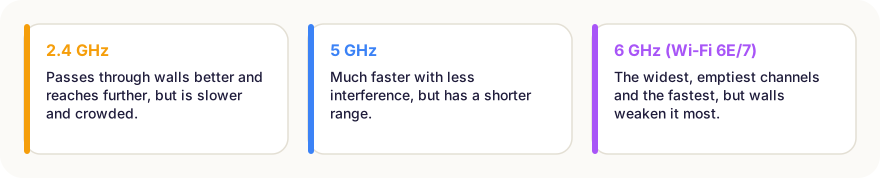
Wi-Fi works in a few frequency bands:
- 2.4 GHz waves are longer. They travel further and pass through walls better, but this band is narrow and crowded, shared with Bluetooth, baby monitors and microwave ovens.
- 5 GHz offers far more room for wide, fast channels, but its shorter waves are more easily blocked.
- 6 GHz, opened for Wi-Fi 6E and Wi-Fi 7, is the widest and least crowded band, giving the highest speeds over short distances.
Why the signal drops
Radio waves weaken with distance, and every obstacle takes its toll. Concrete, brick and metal absorb or reflect the signal; mirrors, fridges and even fish tanks cause trouble, because water absorbs these frequencies well. Neighbours’ routers on the same channel add interference, and many devices sharing one router each get a slice of its capacity.
Putting the router in a central, raised spot, away from thick walls and metal, often helps more than buying a faster plan. In large homes, mesh systems use several units that relay the signal between rooms.
In short
- Wi-Fi sends data as radio waves, following the IEEE 802.11 standard.
- The router converts internet data into radio signals; your device’s antenna turns them back.
- Data is encoded by changing the wave’s strength and timing millions of times a second.
- 2.4 GHz reaches further; 5 and 6 GHz are faster but are blocked more by walls.
- Walls, metal, water and interference from other networks slow the signal.
- A central, open router position often improves coverage a lot.
Frequently asked questions
What does Wi-Fi stand for?
Officially nothing. “Wi-Fi” is a brand name created in 1999 for the Wi-Fi Alliance; it is not short for “wireless fidelity”, although that phrase was briefly used in marketing.
Is Wi-Fi the same as the internet?
No. Wi-Fi is only the wireless link between your device and the router. The router then connects to the internet through your provider’s cable, fibre or mobile network.
Why is my Wi-Fi slow in some rooms?
Walls, floors, metal and water absorb and reflect radio waves, especially at 5 and 6 GHz. Distance, neighbours’ networks on the same channel and many connected devices also reduce speed.
Is Wi-Fi radiation dangerous?
Wi-Fi uses low-power, non-ionising radio waves, far weaker than a microwave oven and well below international safety limits. Health agencies have found no established health risk from normal Wi-Fi exposure.
Sources
This article is based on peer-reviewed research and publications from trusted institutions, and it is reviewed regularly. How we work →
You might also wonder
All in How Things Work →
How Do Aeroplanes Fly? Lift, Wings and a Famous Myth
A jumbo jet weighs hundreds of tonnes, yet stays in the air. How wings create lift, the four forces of flight, and why a popular explanation is wrong.
How Do Touchscreens Work? Why Your Finger Works and Gloves Don’t
Phone screens sense your finger through an invisible electrical grid. How capacitive and resistive touchscreens work, how multi-touch works and why gloves fail.
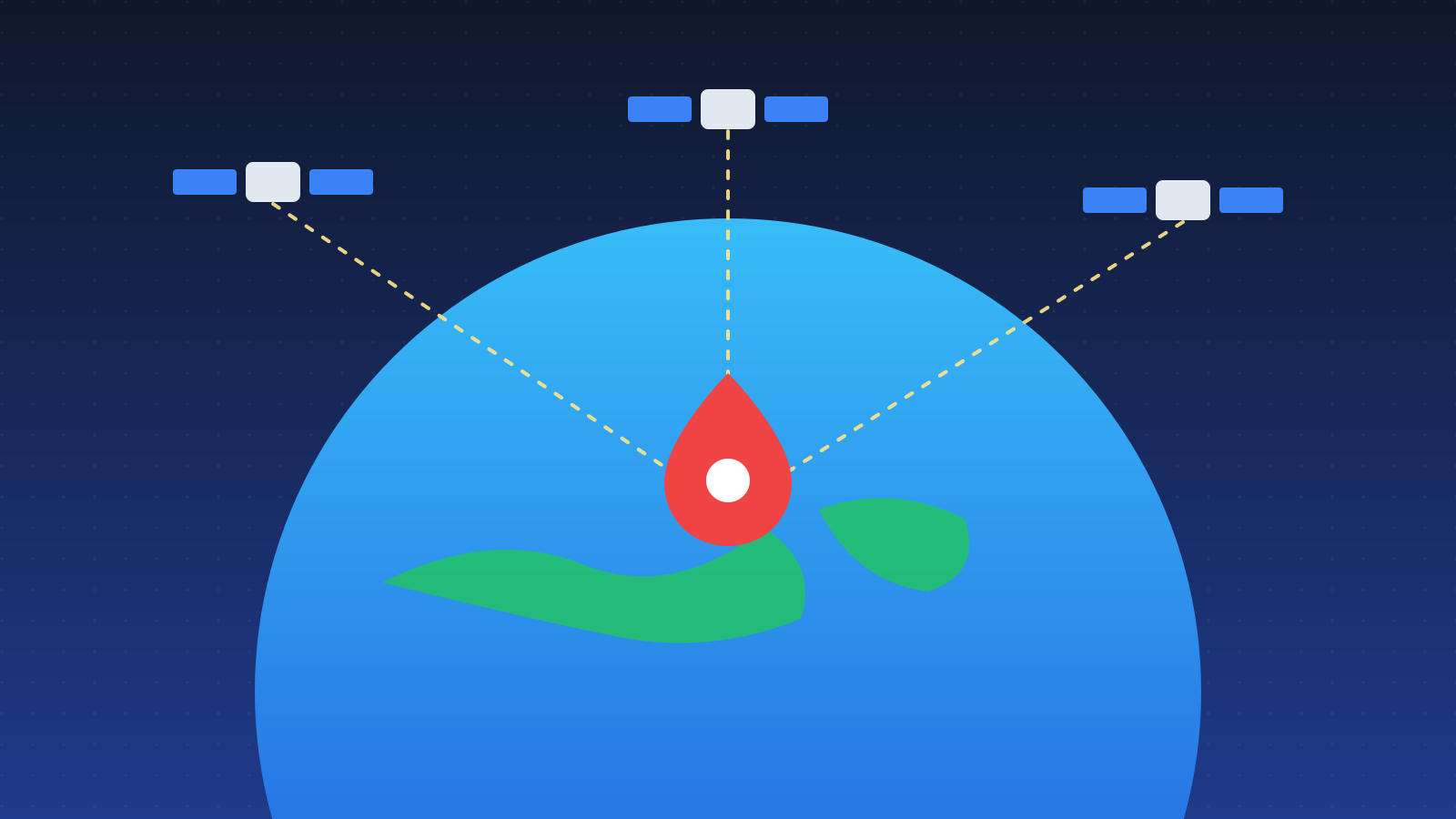
How Does GPS Work? Satellites, Atomic Clocks and Einstein
Your phone finds its position from satellites 20,000 km away. How GPS uses signal timing, why it needs four satellites and why Einstein’s relativity matters.
How Do Rechargeable Batteries Work? Inside a Lithium-Ion Battery
Your phone’s battery moves lithium ions back and forth between two layers. How charging works, why batteries wear out and the habits that make them last longer.
How Does a Fridge Work? It Doesn’t Make Cold – It Moves Heat
A fridge doesn’t make cold; it pumps heat from inside to the kitchen. How the cooling cycle works, why the back is warm and why an open door won’t cool a room.
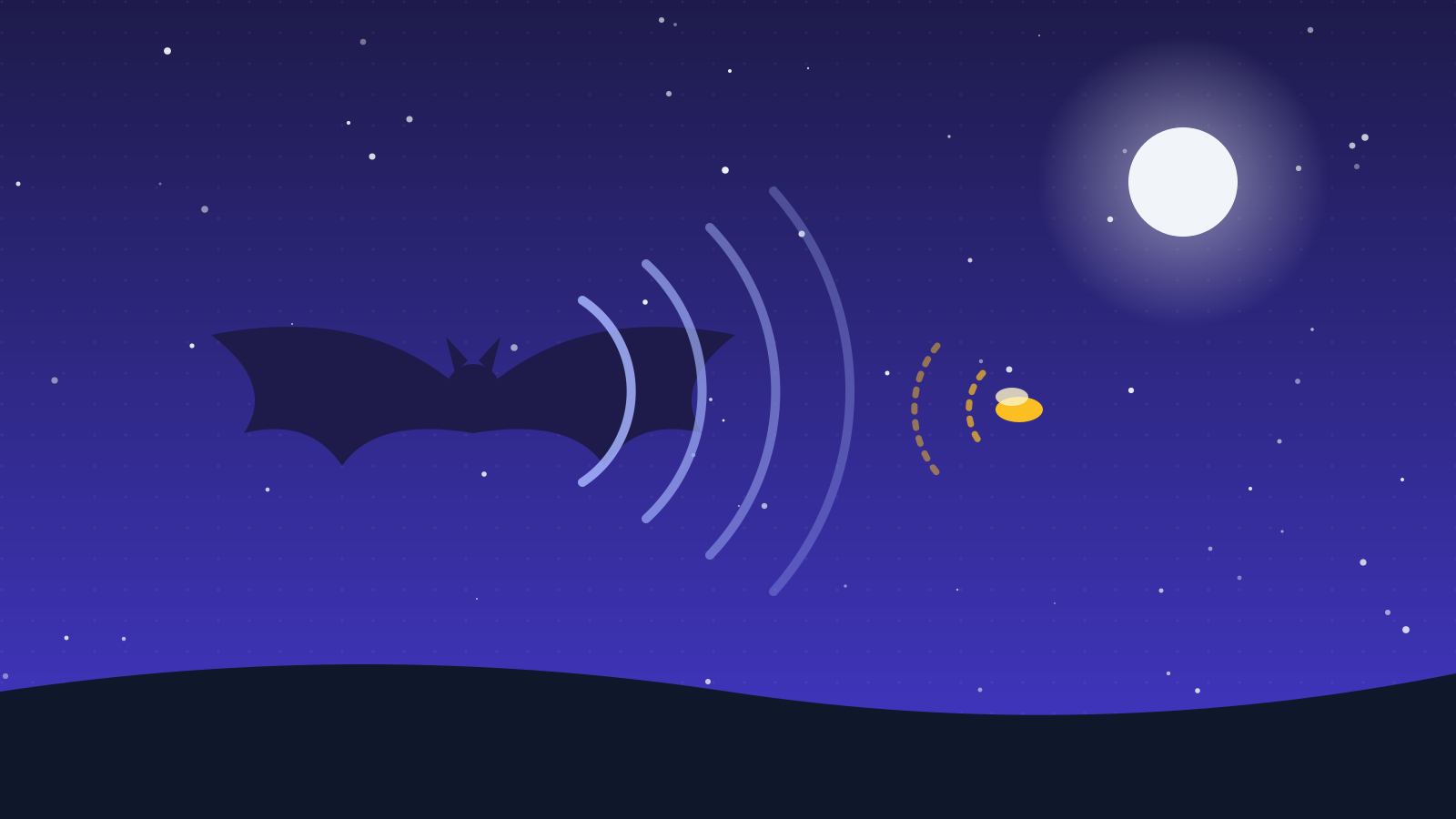
How Do Bats See in the Dark? Echolocation Explained
Bats are not blind, but many hunt in total darkness by listening to echoes. How echolocation works, how fast bats call, and how moths fight back.