How Does the Internet Work? Packets, Cables and the Journey of a Web Page
Opening a website sends data across cables, routers and oceans in milliseconds. How DNS, IP, TCP and undersea cables bring a web page to your screen.
Short answer
The internet is a giant network of networks: billions of devices connected by cables, fibre optics and radio links that all follow the same rules, called protocols. When you open a website, your browser first asks the Domain Name System (DNS) for the server’s numeric IP address. The server then splits the page into small data packets, each labelled with a destination address and a sequence number. Routers pass these packets from network to network, choosing a good path at each step, often through undersea fibre-optic cables. Your device collects the packets, uses TCP to put them in order and request any missing ones, and your browser assembles and displays the page, usually in a fraction of a second.
In this article (6)
You type an address, press enter and, within a blink, a page full of text, images and video appears. It feels like magic, or like the information was already sitting in your device. In reality, in that fraction of a second, data has been requested, broken into pieces, sent through dozens of machines, perhaps across an ocean, and reassembled on your screen. Here is how it works.
A network of networks
The internet is not one big computer or one company. It is a global network of networks: home networks, mobile networks, company and university networks, all connected together. According to the International Telecommunication Union (ITU), around 5.5 billion people, roughly two-thirds of humanity, used the internet in 2024.
What makes this possible is not a single cable but a set of shared rules, called protocols. As long as every device speaks the same protocols, it can exchange data with any other, no matter who made it or where it is.
The most important of these, TCP/IP, goes back to a 1974 paper by Vint Cerf and Bob Kahn, which described how separate networks could be linked into one. In 1983, the ARPANET, a US research network, switched over to TCP/IP, a date often called the internet’s birthday.
The journey of a web page
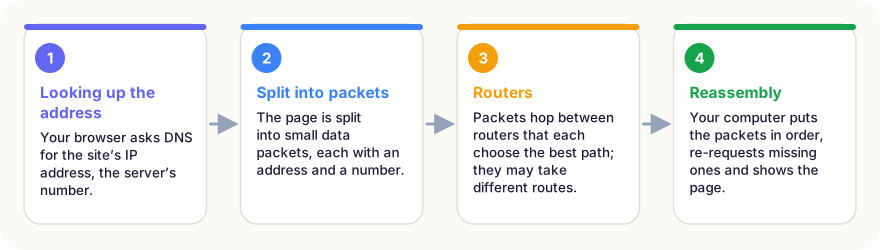
1. Finding the address: DNS
Computers do not find each other by names like “factwonder.com” but by numbers called IP addresses. So the first step is a lookup in the Domain Name System (DNS), often described as the internet’s phone book. Your device asks a DNS server, “What is the address of this site?” and gets back a number. The answer is often stored nearby, so it arrives in milliseconds.
2. Breaking data into packets
The server does not send the page as one giant block. It breaks it into thousands of small packets. Each packet carries a piece of the data plus a label: the destination address, the sender’s address and a sequence number. This idea, packet switching, is what makes the internet so robust: if one path is blocked, packets can simply take another.
3. Hopping between routers
Packets travel through routers, specialised computers that sit where networks meet. Each router looks at a packet’s destination and sends it one step closer, along the best path it knows. A typical packet passes through perhaps 10 to 20 routers. Packets from the same page may even take different routes and arrive out of order.
4. Putting it back together
On your device, the TCP protocol collects the packets, puts them back in the right order and asks for any lost ones to be sent again. Only then does your browser receive the complete page, read its code and draw it on the screen. Images, fonts and videos each go through the same process, often all at once.
The layers of the internet
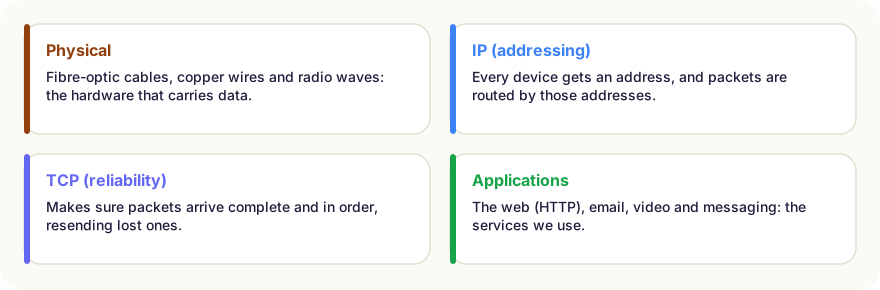
Engineers think of the internet in layers, each with its own job:
| Layer | Job | Examples |
|---|---|---|
| Applications | The services people actually use | Web (HTTP/HTTPS), email, video calls, games |
| Transport | Reliable, ordered delivery between programs | TCP, UDP |
| Internet | Addressing and routing packets between networks | IP (IPv4, IPv6) |
| Physical / link | Moving bits over wires, fibre or radio | Fibre optics, copper, Wi-Fi, 4G/5G |
This layered design is why the internet could grow so much. A new app does not need new cables, and a faster cable does not require rewriting every app.
Cables under the sea
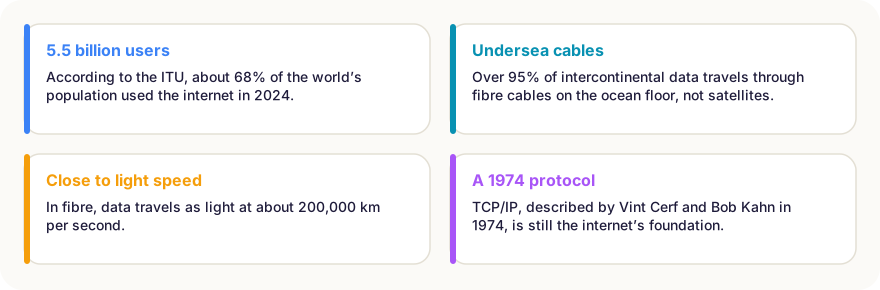
We talk about “the cloud”, but the internet is very physical. Data between continents travels mainly through submarine fibre-optic cables lying on the sea floor, a network of several hundred cables that can be explored on TeleGeography’s Submarine Cable Map. Over 95% of intercontinental traffic goes this way, because cables carry far more data, more cheaply and with less delay, than satellites.
Inside a fibre-optic cable, data travels as pulses of light through glass strands thinner than a hair, at about 200,000 km per second. A message from Europe to America can cross the Atlantic in under 40 milliseconds. Cables are occasionally damaged by ship anchors or earthquakes, and specialised ships are sent to repair them.
On land, the data then flows through national backbone networks, data centres full of servers, and finally the cable, fibre or mobile link to your home or phone.
The internet and the web are not the same
People often use the words interchangeably, but the World Wide Web, invented by Tim Berners-Lee at CERN in 1989, is just one service that runs on top of the internet. Email, video calls, online games, music streaming and messaging apps all use the internet too. Today most websites use HTTPS, which encrypts the data so that routers along the way cannot read it.
In short
- The internet is a network of networks joined by shared rules called protocols.
- DNS turns a site name into a numeric IP address.
- Data is split into packets that routers pass along, step by step.
- TCP puts packets back in order and re-requests missing ones.
- Most intercontinental data travels through undersea fibre-optic cables, not satellites.
- The web is only one service running on the internet.
Frequently asked questions
Are the internet and the web the same thing?
No. The internet is the global network of connected computers. The World Wide Web, invented by Tim Berners-Lee in 1989, is one service that runs on it, alongside email, video calls, games and many others.
Who owns the internet?
No single owner. It is made up of thousands of networks run by companies, universities and governments, which agree to exchange traffic using shared open standards.
Why is Wi-Fi not the same as the internet?
Wi-Fi is only the wireless link between your device and your router at home. The router then connects, via cable or fibre, to your internet provider and onwards to the rest of the internet.
How fast does data travel on the internet?
In fibre-optic cables, data travels as light at about 200,000 kilometres per second, roughly two-thirds of the speed of light in a vacuum. Delays mostly come from distance and from routers along the way.
Sources
- Cerf & Kahn (1974) – A Protocol for Packet Network Intercommunication, IEEE Transactions on Communications
- ITU – Facts and Figures 2024
- TeleGeography – Submarine Cable Map
This article is based on peer-reviewed research and publications from trusted institutions, and it is reviewed regularly. How we work →
You might also wonder
All in How Things Work →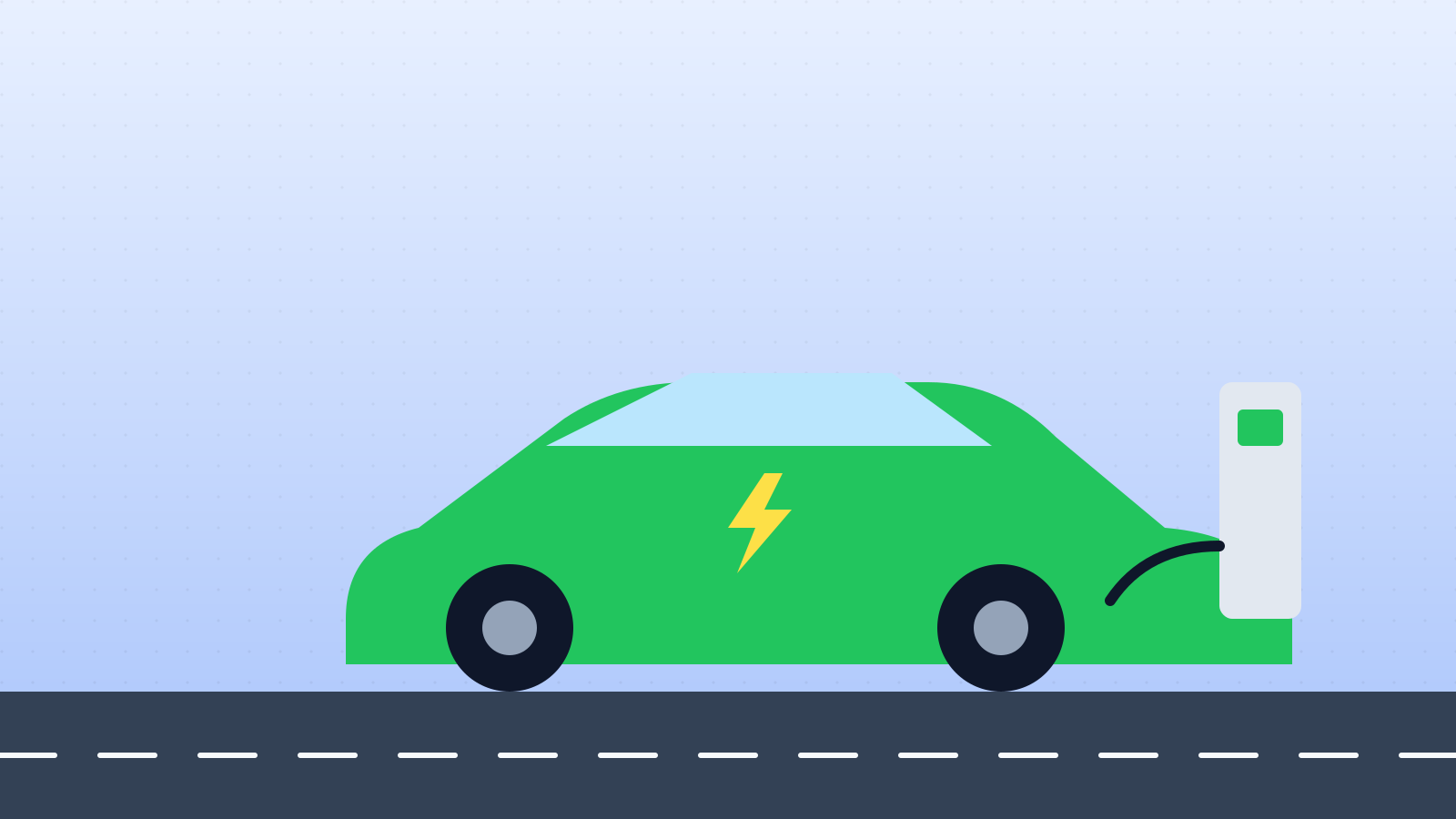
How Do Electric Cars Work? Batteries, Motors, Charging and Range Explained
Electric cars have no fuel tank or gearbox. How the battery, inverter and motor work, why EVs are so efficient and how charging and range work.

How Do Aeroplanes Fly? Lift, Wings and a Famous Myth
A jumbo jet weighs hundreds of tonnes, yet stays in the air. How wings create lift, the four forces of flight, and why a popular explanation is wrong.
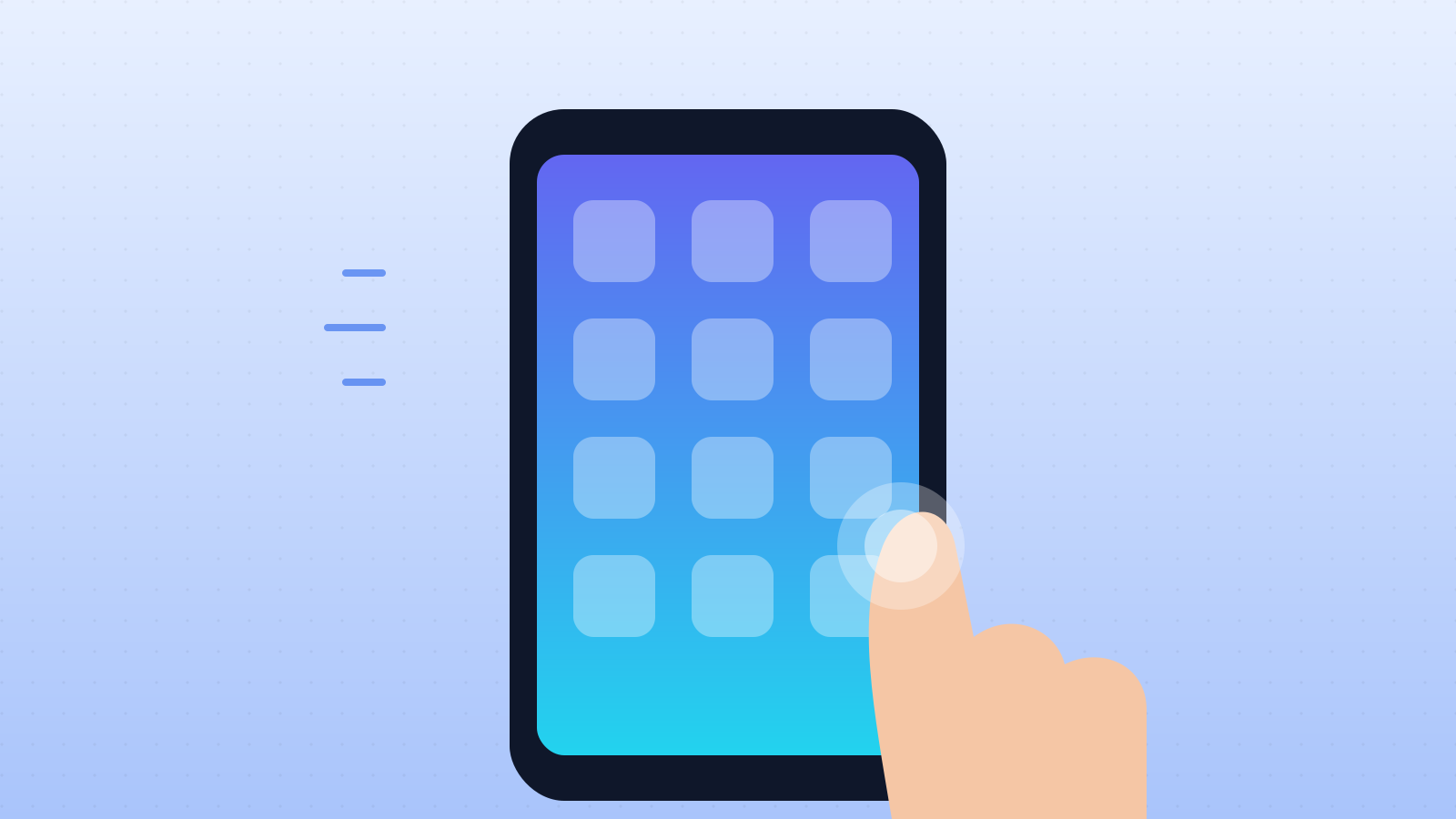
How Do Touchscreens Work? Why Your Finger Works and Gloves Don’t
Phone screens sense your finger through an invisible electrical grid. How capacitive and resistive touchscreens work, how multi-touch works and why gloves fail.
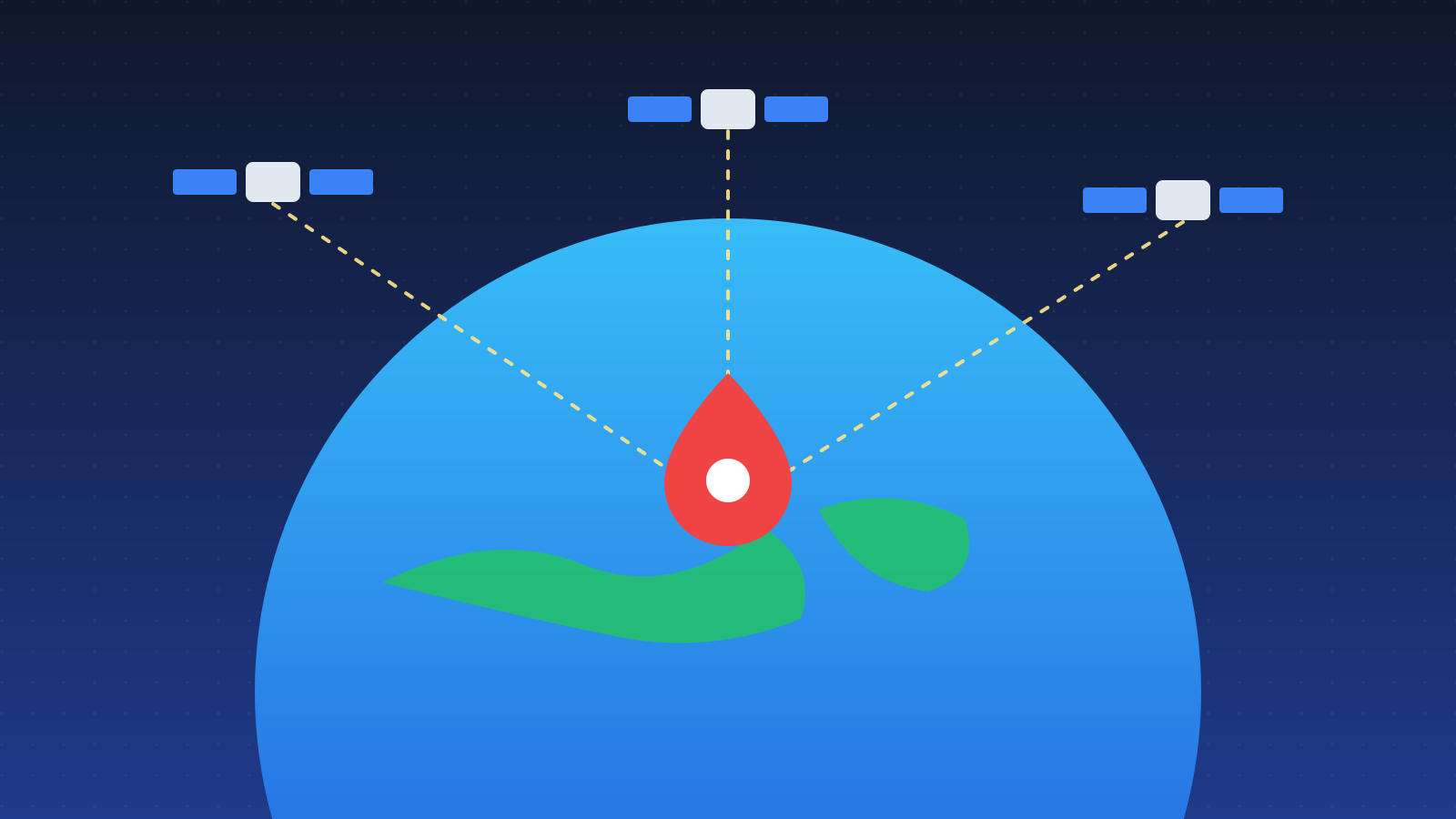
How Does GPS Work? Satellites, Atomic Clocks and Einstein
Your phone finds its position from satellites 20,000 km away. How GPS uses signal timing, why it needs four satellites and why Einstein’s relativity matters.
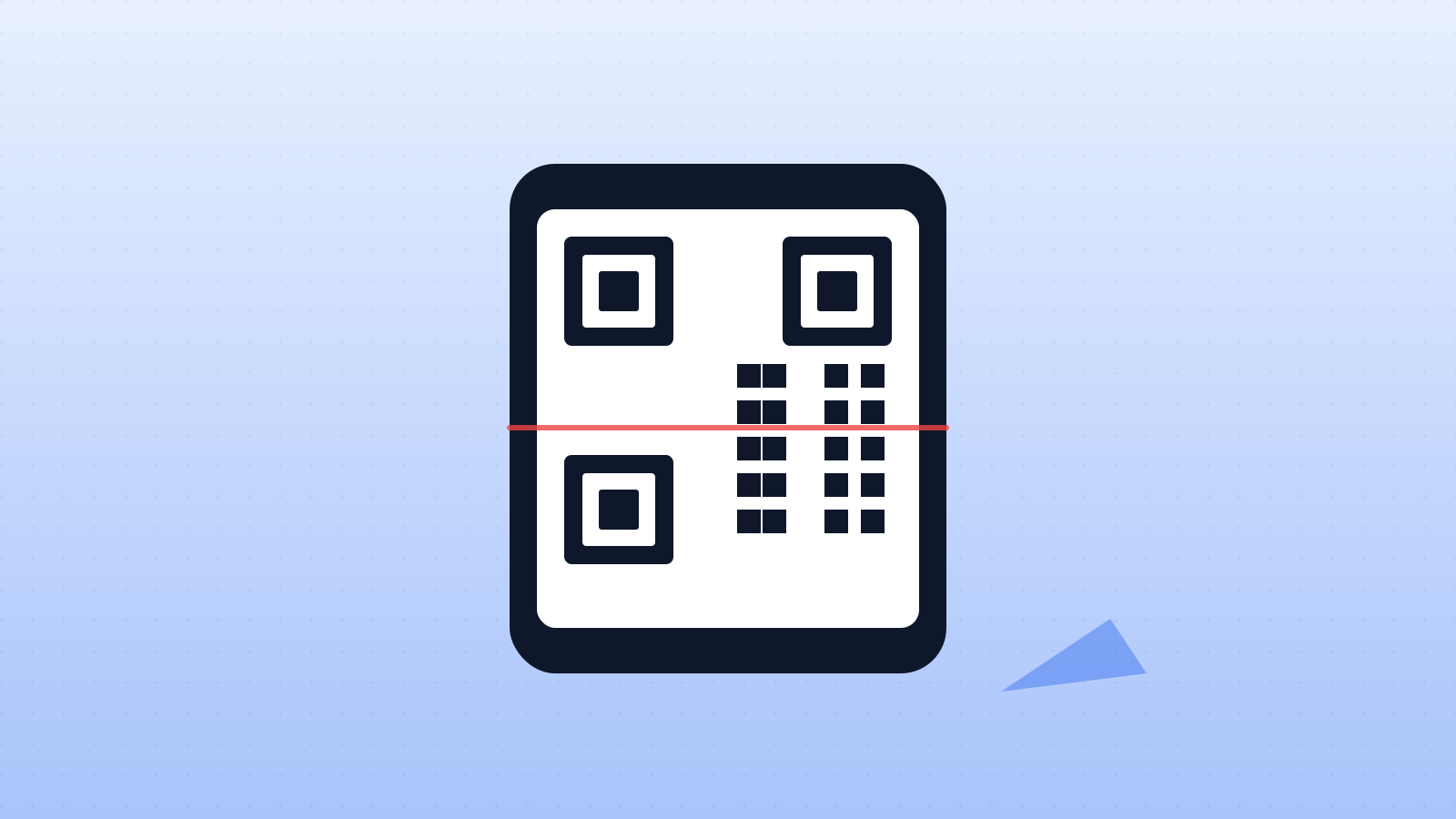
How Do QR Codes Work? The Squares That Store Links and Text
A QR code stores data as a grid of black and white squares. What the corner squares do, how damaged codes still work and where QR codes came from.
How Do Solar Panels Work? Turning Sunlight Into Electricity
Solar panels use the photovoltaic effect: light frees electrons in silicon, and an electric field turns them into a current. How efficient are they?